Management

Control, reporting and a trail for everything.

Shape the menu and venue, decide who can do what, and answer "what happened to that order?" in seconds.
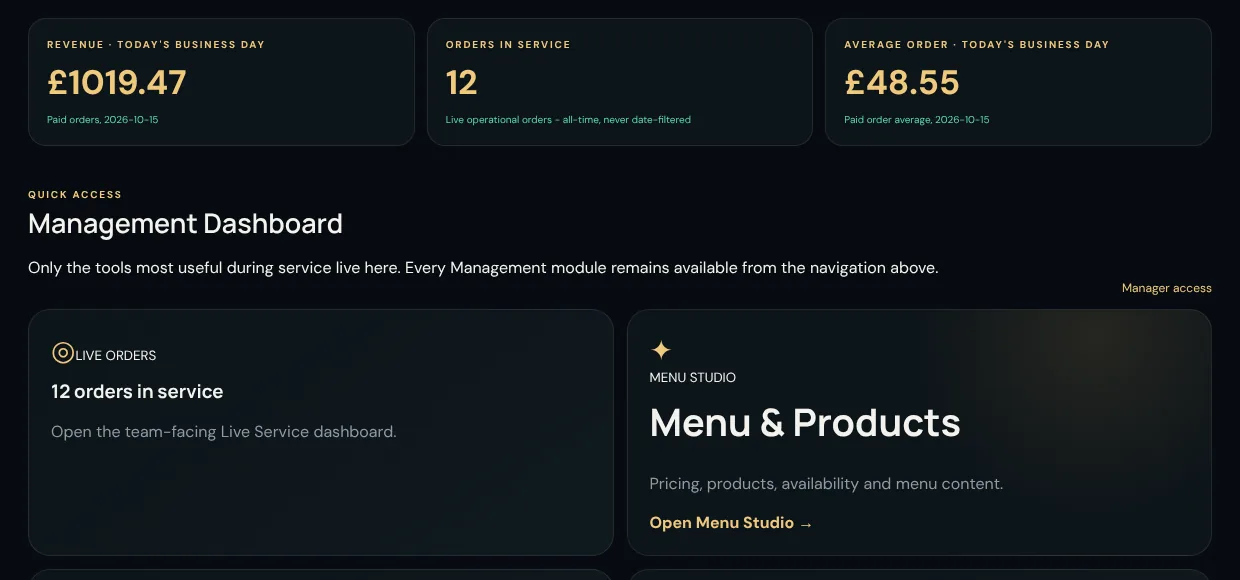
Management dashboard with todays revenue, orders in service and average order value

Menu Studio

Edit once. Guests see it immediately.

A menu editor for the people who actually run the menu, with no developer in the loop.
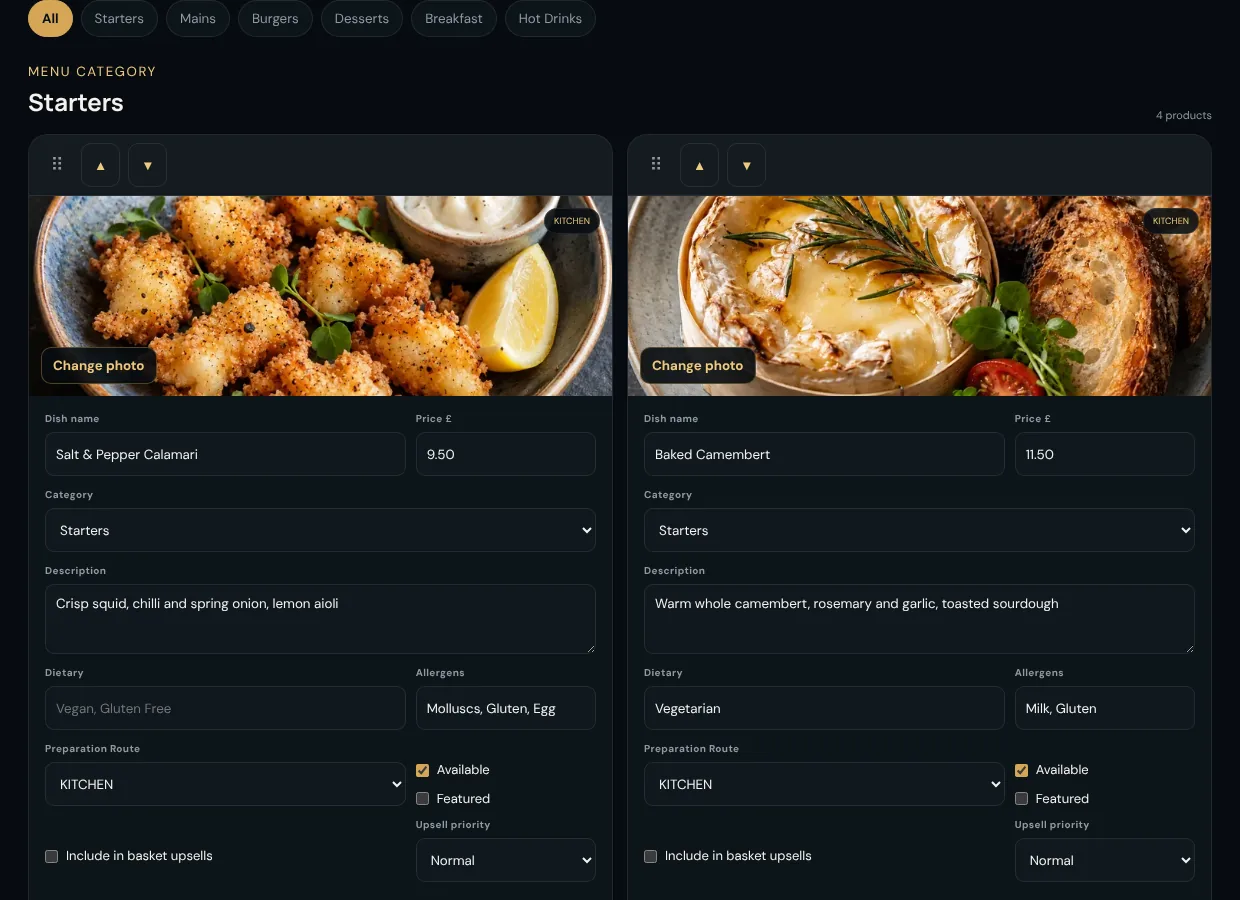
  • Create, rename and drag categories into the order guests see.
  • Prices, descriptions, photos, dietary tags and allergen labels per dish.
  • Mark dishes featured, available or unavailable.
  • Build reusable option groups once and attach them to any dish.
  • Choose which products take part in basket upsells.
Menu Studio editing dishes with price, category, dietary tags, allergens and availability

Venue setup

Build the venue the way it is laid out.

Create Revenue Centres, Areas and Service Points, then generate and print the QR codes for all of them.
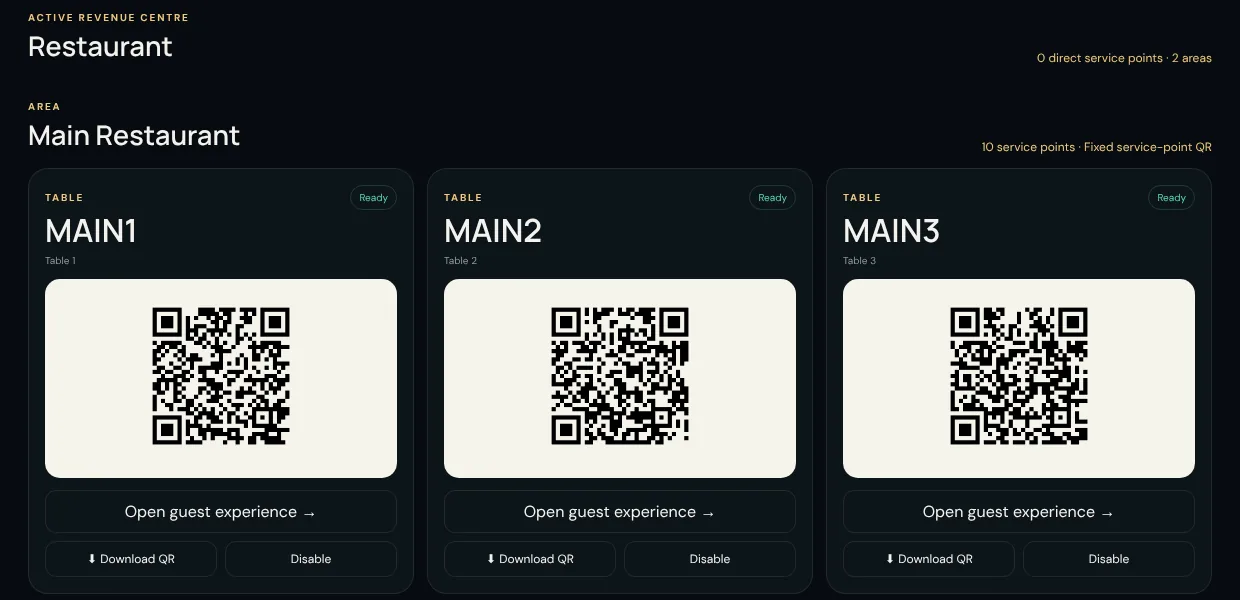
  • Add 1 to 500 tables or rooms in a single step, with tidy automatic codes.
  • Download labelled QR codes as a print-ready PDF or a ZIP of PNGs.
  • Switch a table off without deleting it, so its history stays intact.
  • Order history is protected: a table with orders cannot be renamed or removed out from under it.
Venue control showing a grid of printable QR codes, one for each table

Reports

Seventeen reports, every figure traceable.

Everything is drawn directly from paid orders, payments and recorded actions. Nothing is estimated, and every total is calculated from the full data, never a truncated list.
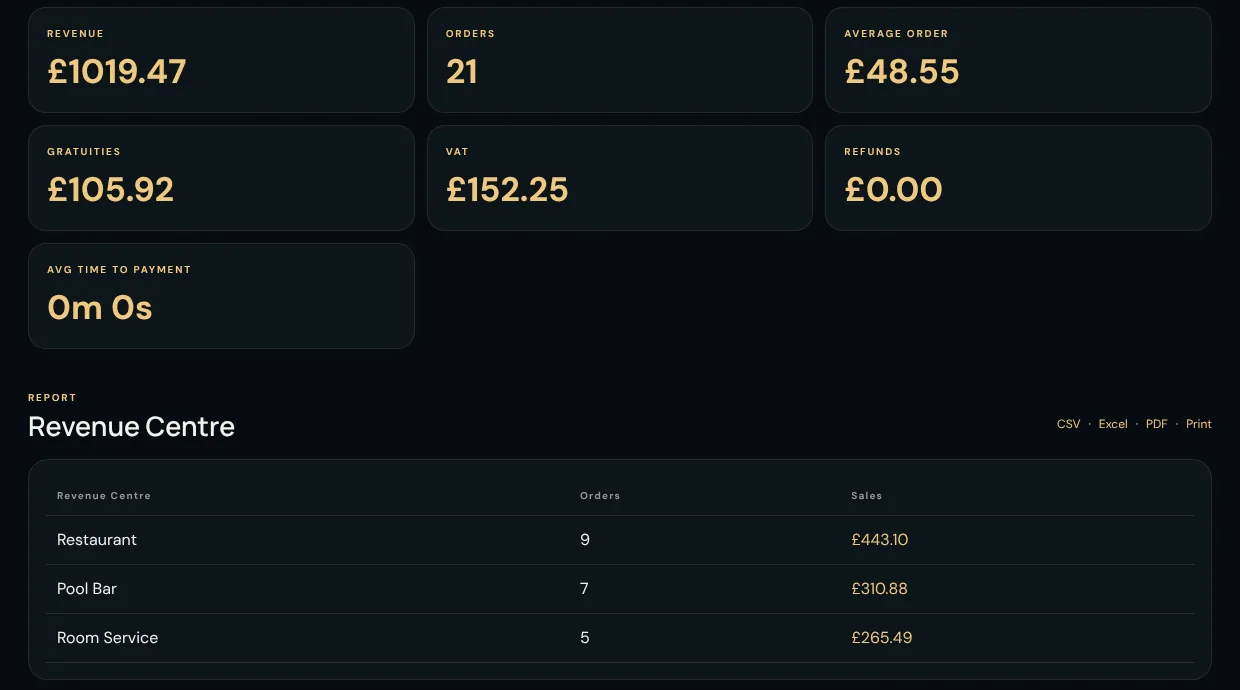
  • Sales by Revenue Centre, Area, Service Point, category, product and payment method.
  • Itemised sales, payment failures, cancellations, refunds and service timing.
  • Daily banking reconciliation, plus employee and security activity.
  • Export to CSV, Excel or PDF, or print to a thermal printer.
  • Drill from any total into the matching orders and open the full order record.
Reports page with revenue, orders, average order, gratuities, VAT and refunds, plus a Revenue Centre breakdown

Orders, refunds and voids

When something goes wrong, the record stays right.

Nothing is ever deleted or overwritten to reflect a refund or cancellation. The original record stands and the correction sits beside it.
  • Full or partial refunds, protected against refunding more than was paid.
  • Items can be voided before preparation starts, with a reason.
  • A refund whose outcome is unclear is held for a person to confirm, never guessed.
  • Search orders and corrections by number, table, email, date, Revenue Centre or status.
  • Your own written refund and void policy, kept on the page staff use.
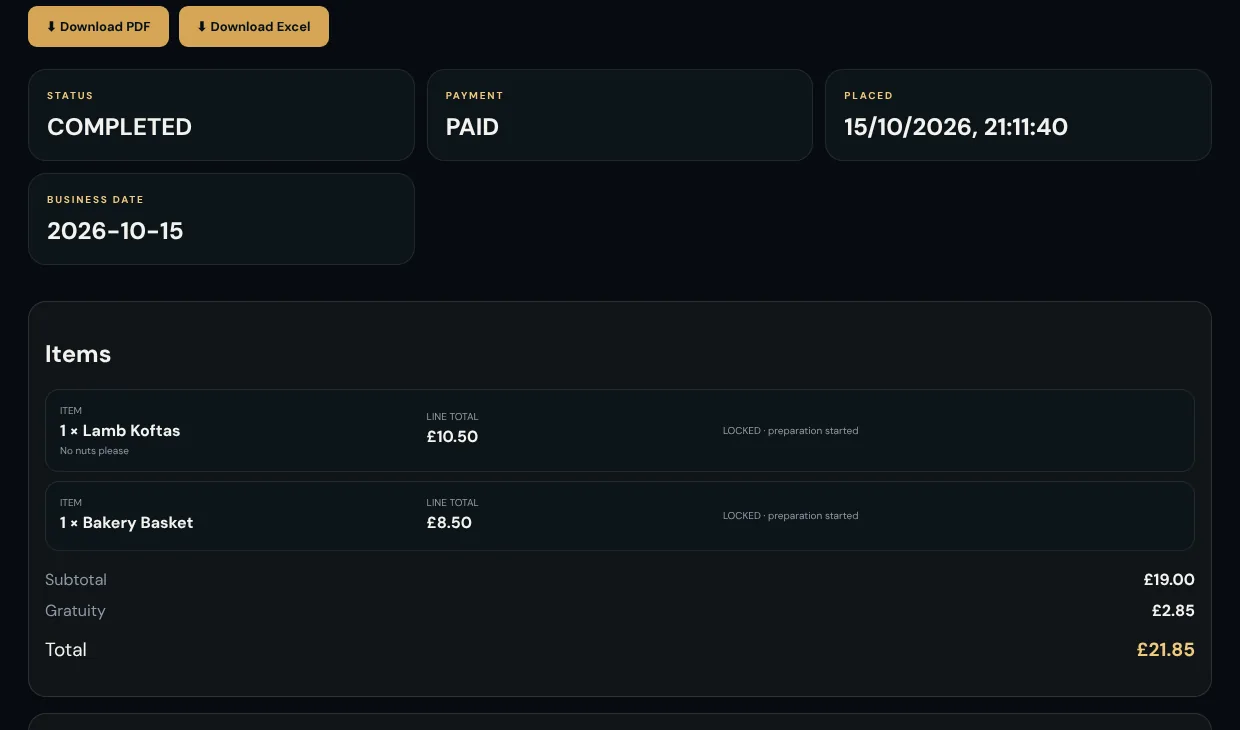
Order investigation view with status, payment state, items, subtotal, gratuity and total

Run it your way

Settings that respect how venues really work.

Team and permissions

Add employees with roles from Server to Administrator. Management access is a deliberate grant, and PIN resets go by email.

Business day

Set the cut-off and timezone so a 2am sale lands on the right trading day, in every report.

Your own Stripe account

You enter your Stripe keys yourself. They are encrypted at rest and never shown again, so money settles to you.

Email and consent

Configure receipt email, and manage opted-in marketing contacts with the exact wording each guest agreed to.

Retention controls

Choose when orders are archived and purged, and how long operational audit history is kept, with a long floor for financial and security events.

A complete audit log

Filter by action, person and date to see who changed what. Financial and security events are always kept for at least five years.

See Gustara with your own menu.

A short walkthrough is the quickest way to see how your outlets, printers and menu would fit. Or try the demo on your phone first.